
How long does it take for campaign approval?
Creatives are reviewed before they can serve. You can see the review status in the Campaigns list, and fund your account in advance so the campaign can start as soon as it is approved.
Check the review status
- Open Campaigns in the sidebar.
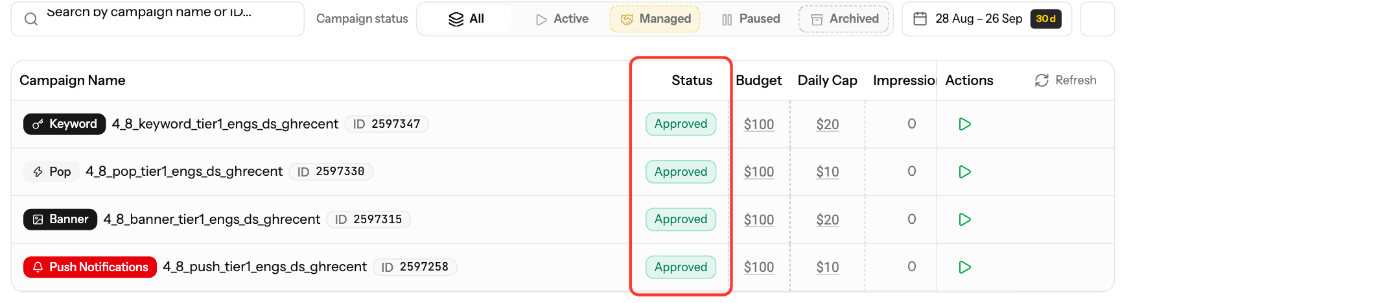
- Look at the Status column (creative review status):
- Pending: waiting for review.
- Approved: creatives are approved and can serve.
- Rejected: click it to see Why it was rejected.
- For a rejected creative, update it and save. It goes back to review.
Get approved faster
- Follow the Ad Policy for EZmob campaigns. Most rejections come from policy issues in the creative or landing page.
- Make sure your account has funds before you submit.
- Accounts from the Premium tier (lifetime spend of $1,001 or more) get Quicker campaign approvals. See Account Status and VIP Tier Levels.
Screenshots
- Screenshot: rejection reason popover ("Why it was rejected")
Related articles
- Ad Policy for EZmob campaigns
- Why is my campaign not receiving traffic?
- Account Status and VIP Tier Levels
- Campaign Creation: The Complete Guide
Updated on: 27/09/2026
Thank you!