
Account Balance and Spending Overview
Your balance is shown next to the wallet icon at the top of every advertiser page. For more detail, open Funds in the sidebar.
Where to see it
- Top bar: your current balance. A Low Balance alert appears when the balance runs low.
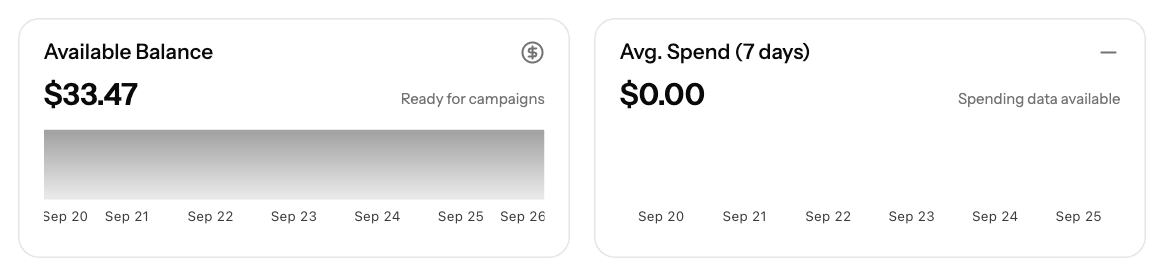
- Funds → Available Balance: your balance with a chart of how it has changed.
- Funds → spending card: your recent spending trend.
- Funds → transaction history: every deposit, refund and adjustment, with the fee, net amount and status.
What counts towards your balance
- Completed deposits are added to your balance.
- Deposits that are still processing or waiting for payment are not available to spend yet. See their status in the transaction history.
- Campaign spend is deducted from your balance.
Keep campaigns running
- Watch for the Low Balance alert in the top bar.
- Add funds before your balance runs out: go to Funds and use Deposit Funds.
- Set a daily or total budget on each campaign to control how fast it spends.
Screenshots

Related articles
- How can I fund my account?
- Understanding Transaction Status and Processing Times
- Advertiser Reports Guide
- Campaign Creation: The Complete Guide
Updated on: 26/09/2026
Thank you!