
Understanding Your Onboarding Checklist
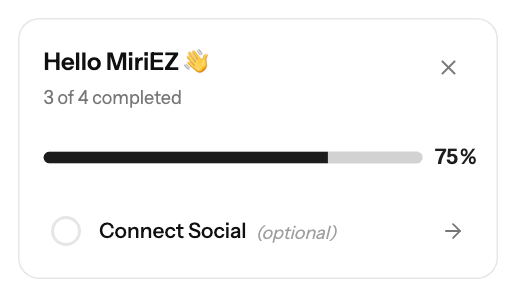
New advertisers see a Setup Progress checklist on the Dashboard. It has three required steps and one optional step, and each one is ticked automatically when you complete it.
Steps
Step | Required | Done when |
|---|---|---|
Complete Profile | Yes | You save a complete profile under Settings → Profile |
Add Funds | Yes | Your first deposit is completed on the Funds page (minimum $100) |
Create Campaign | Yes | You create your first campaign |
Connect Social | Optional | You link Google, LinkedIn or X under Settings → Social Connections |
Click Start next to a step to go to the right page. When every step is done, the widget shows Setup Complete!
Good to know
- Email verification is not a checklist step, but the Profile page shows Email verification required until you verify.
- To hide the checklist, click Hide setup guide. It won't show again.
Screenshots
Related articles
- Complete Your Advertiser Profile - Step by Step Guide
- How can I fund my account?
- Campaign Creation: The Complete Guide
- Connecting Social Accounts for Quick Login
Updated on: 26/09/2026
Thank you!