
Getting Started: Setting Up Your Publisher Account on EZmob
To start earning with EZmob, sign up as a publisher, add your site, create a placement, put its code on your site and add a payment method. You can request a payment once you have at least $250 available.
Steps
- Open the Publisher registration page, check that Publisher is selected and click Create account.
- Open the verification email and click the link to verify your email address.
- Click your profile at the top right, select Settings and complete Profile.
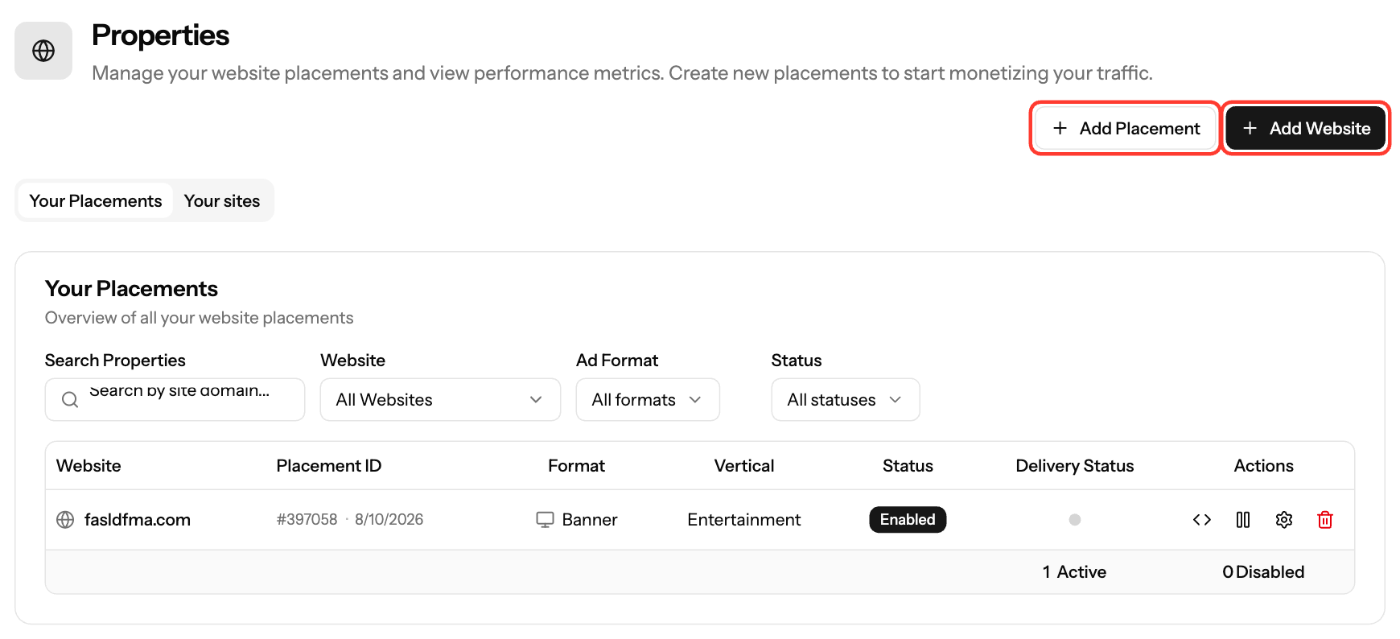
- In the sidebar, open Sites & Placements, click Add Website and add your domain. Validate it to receive premium demand.
- Click Add Placement, choose an ad format and click Create Placement.
- Open the placement's code (View Script), click Copy Script and paste the code on your site. Paste Banner and Video tags inside the
<body>section, where the ad should appear, not in the<head>. - Go to Settings → Payment Methods and add the method you want to be paid with.
- When you have at least $250 available, go to Earnings → Request Payment. Earnings become available to request after a 15-day hold.
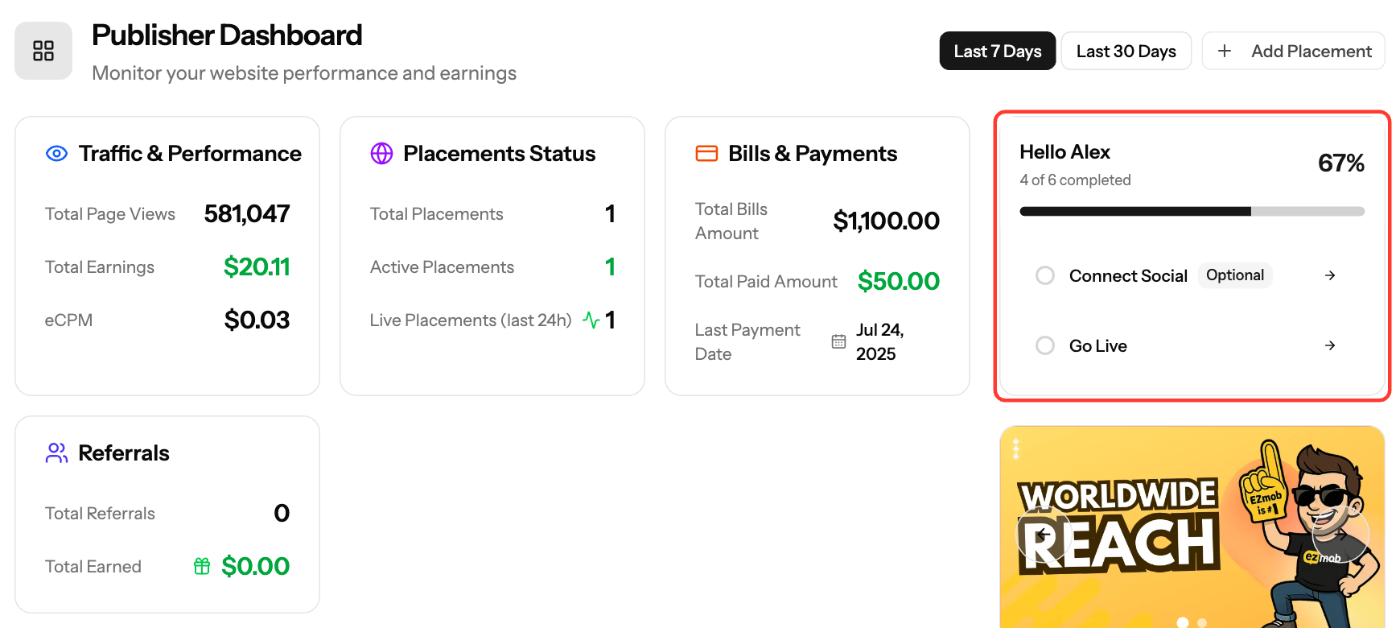
Setup Progress checklist
The Publisher Dashboard shows a Setup Progress checklist until every step is done: Complete Profile, Connect Social (optional), Add Payment Method, Add Site, Add Placement and Go Live. Click a step to open the page where you complete it.
Publisher menu
Sidebar item | What you do there |
|---|---|
Dashboard | Page views, earnings, eCPM and setup progress |
Sites & Placements | Add and validate sites, create placements, copy ad code |
Reports | Performance by date, site and placement |
Earnings | Bills, invoices and payment requests |
Referrals | Invite advertisers and publishers and earn commission |
Partners | Tools, integrations and offers from EZmob partners |
Screenshots
Related articles
- Account Registration
- How to Add Your Site to EZmob for Monetization
- How to Create a Placement and Obtain Your Ad Tag
- Payment methods for publishers
- How to Request Payment
Updated on: 11/10/2026
Thank you!