
How to Create a Placement and Obtain Your Ad Tag
A placement is one ad unit on your site. Create it under Sites & Placements → Add Placement, then copy its code with Copy Script and paste it on your site. Your site doesn't have to be validated first, but validated sites receive premium demand.
Create a placement
- In the sidebar, open Sites & Placements and click Add Placement. You can also click + next to a site on the Your Sites tab.
- Select the website.
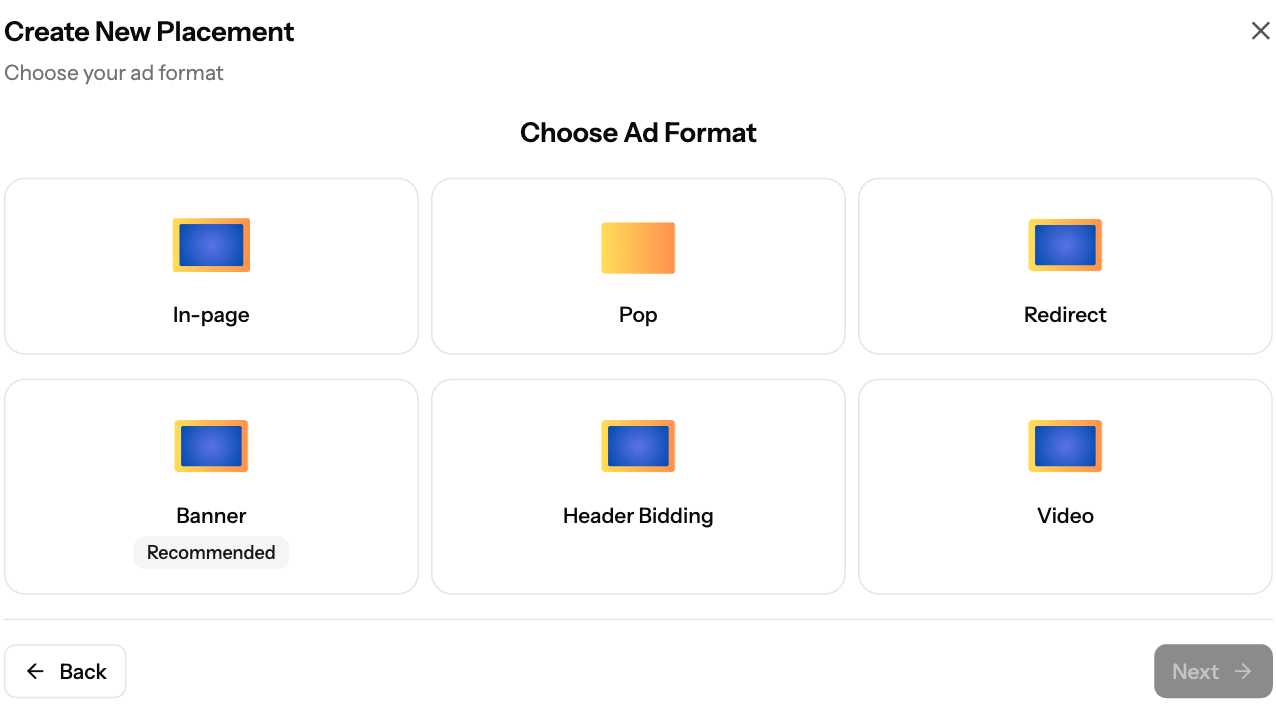
- Choose the ad format: Banner (Recommended), Header Bidding, In-page, Pop, Redirect or Video. Search and Interstitials are not in this list.
- Set the format settings (see the table below).
- Click Create Placement. The code is ready within about 20 seconds. The placement shows Creating... until setup finishes, which takes up to 3 minutes.
Format settings
Format | Settings |
|---|---|
Banner | Banner Size (300x250 default; also 300x50, 300x100, 320x50, 320x480, 728x90, 160x600, 120x600, 468x60), optional Passback Tag |
Header Bidding | Banner Size (same sizes) |
Pop | Site Clicks (default 1,5 = 1st and 5th click), Cookie Lifetime (hours) 1–200, default 24 |
In-page | Refresh Rate (seconds) default 120, Slots 1–10 (default 2), Position Top or Bottom |
Interstitials | Main Interval 5–300 sec (default 30), First Delay 1–30 sec (default 2), Engagement Period at least 11 sec (default 15) |
Redirect | Cookie Lifetime (hours) |
Video | None. Outstream, fixed 300x250 |
All formats except Banner and Header Bidding also accept optional Keywords.
Copy the code
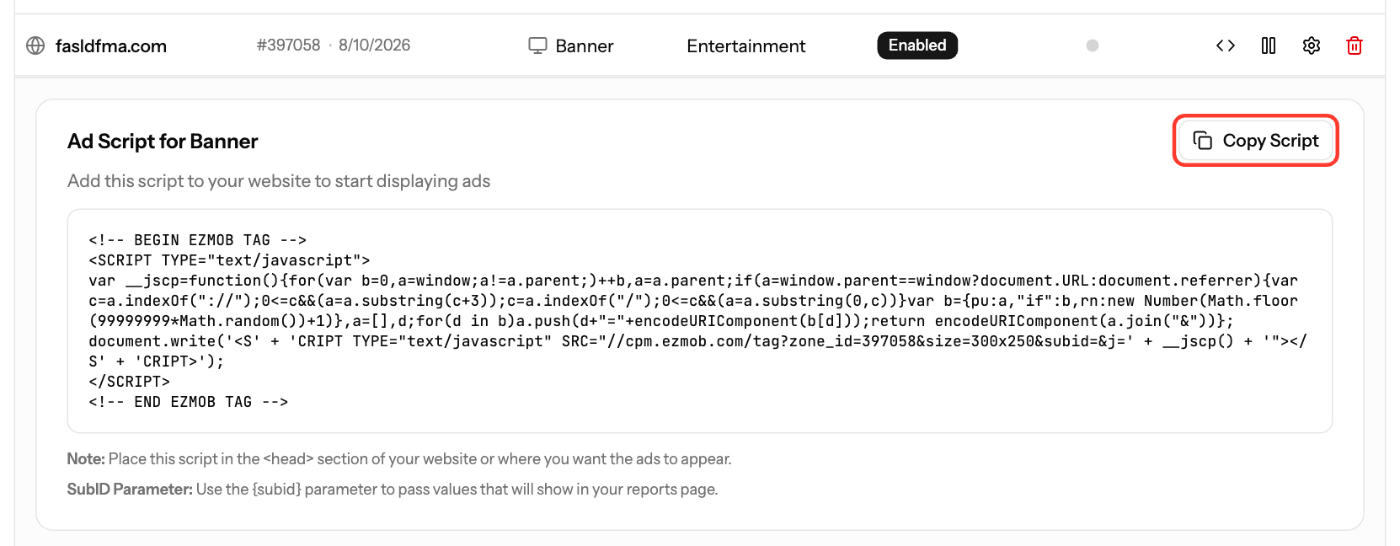
- On the Your Placements tab, click the code icon (View Script) on the placement.
- For Pop, Redirect, Search, In-page and Interstitials, choose the Data Center: US East (New York) or EU (Amsterdam), closest to your audience.
- Click Copy Script, or Copy URL for Redirect.
Add the code to your site
- Banner: paste the code inside the
<body>section, exactly where the banner should appear (for example in the sidebar or between paragraphs). Avoid the<head>section: a banner tag placed there may not display and can cause layout issues. - Pop, In-page, Interstitials: paste the code in the
<head>section or where you want the ads to appear. - Header Bidding: paste the script in
<head>, and put<div id="container1"></div>where the banner should show. If you rename the ID, change it in the script too. - Video: paste the code inside the
<body>section, where the video unit should appear. Don't put it in the<head>. - Search: paste the form where you want the search box. Searches open related ads in a new window.
- Redirect: send traffic to the copied URL.
Test in a private window with ad blockers off. Delivery Status turns green when the placement has had activity in the last 24 hours. You can create several placements per site.
Screenshots
Related articles
- How to Add Your Site to EZmob for Monetization
- Which ad formats can publishers monetize with?
- How to check your ad code (with examples)
- Can I set a passback tag on my placement?
- Troubleshooting Ads Not Showing on Your Site
Updated on: 11/10/2026
Thank you!